Disabling Users
If a user leaves, Connect Administrators can remove users from the account.
Deactivating a User
Log into Connect and select to Manage Users from the Connect homepage and select Active Users.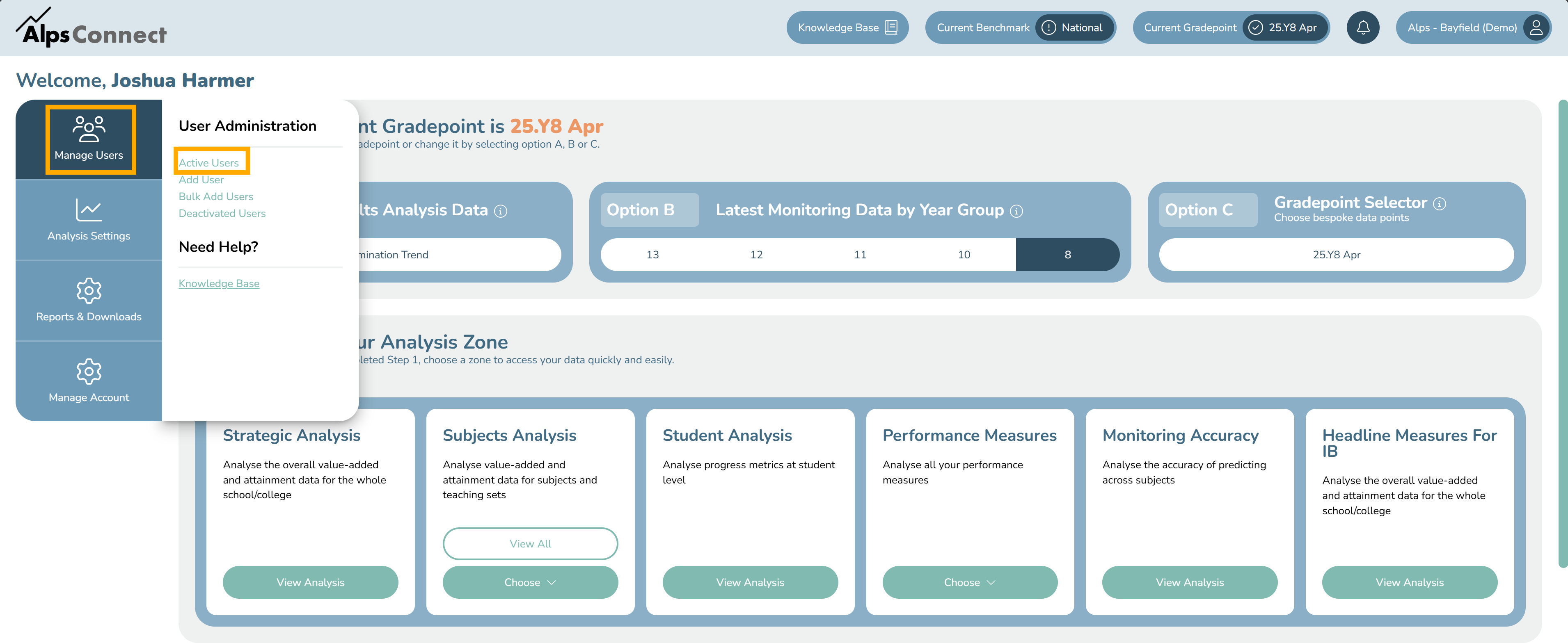
In the list of users click Edit next to appropriate User, you may need to scroll to the left.
Toggle the Disable User Account and then Save.
Permanently Deleting Users
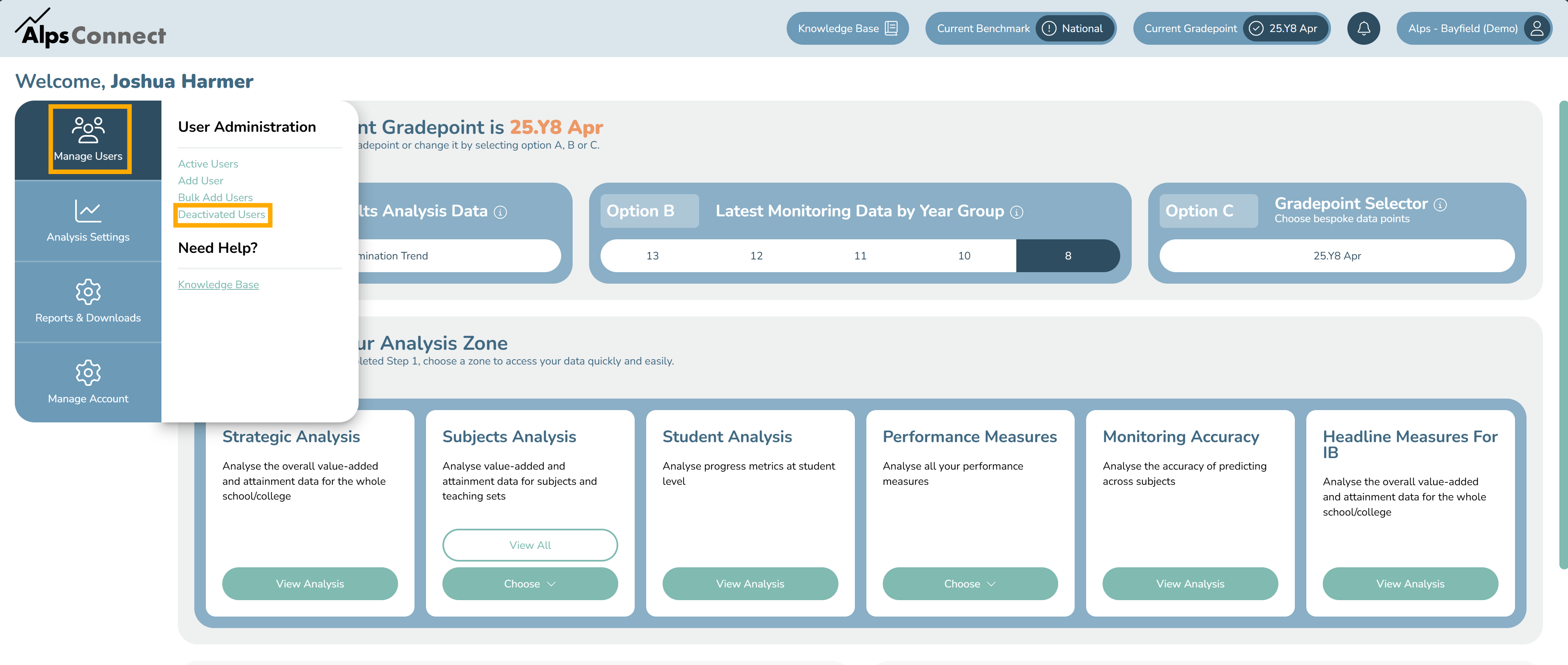
Deactivated users will appear in the Deactivated Users list, accessible by the left menu in the Manage Users area. To permanently delete a user, click the Bin Icon.
Re-Activating Users
To re-activate a users account, navigate to the Deactivated Users List, edit the user and turn the toggle off.